


Pexar 2K 11" — Negro
Nuestro marco de fotos digital Wi-Fi más vendido
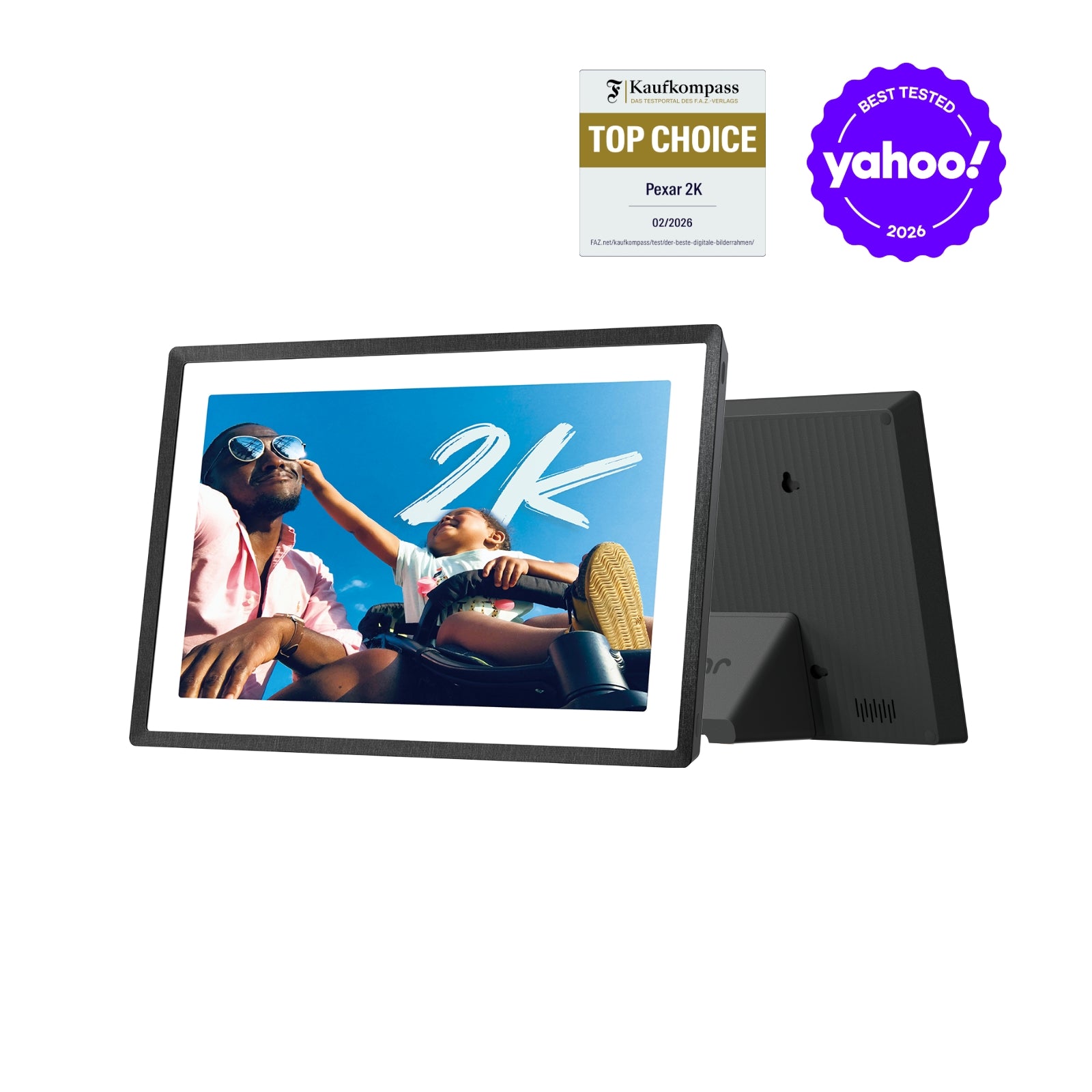
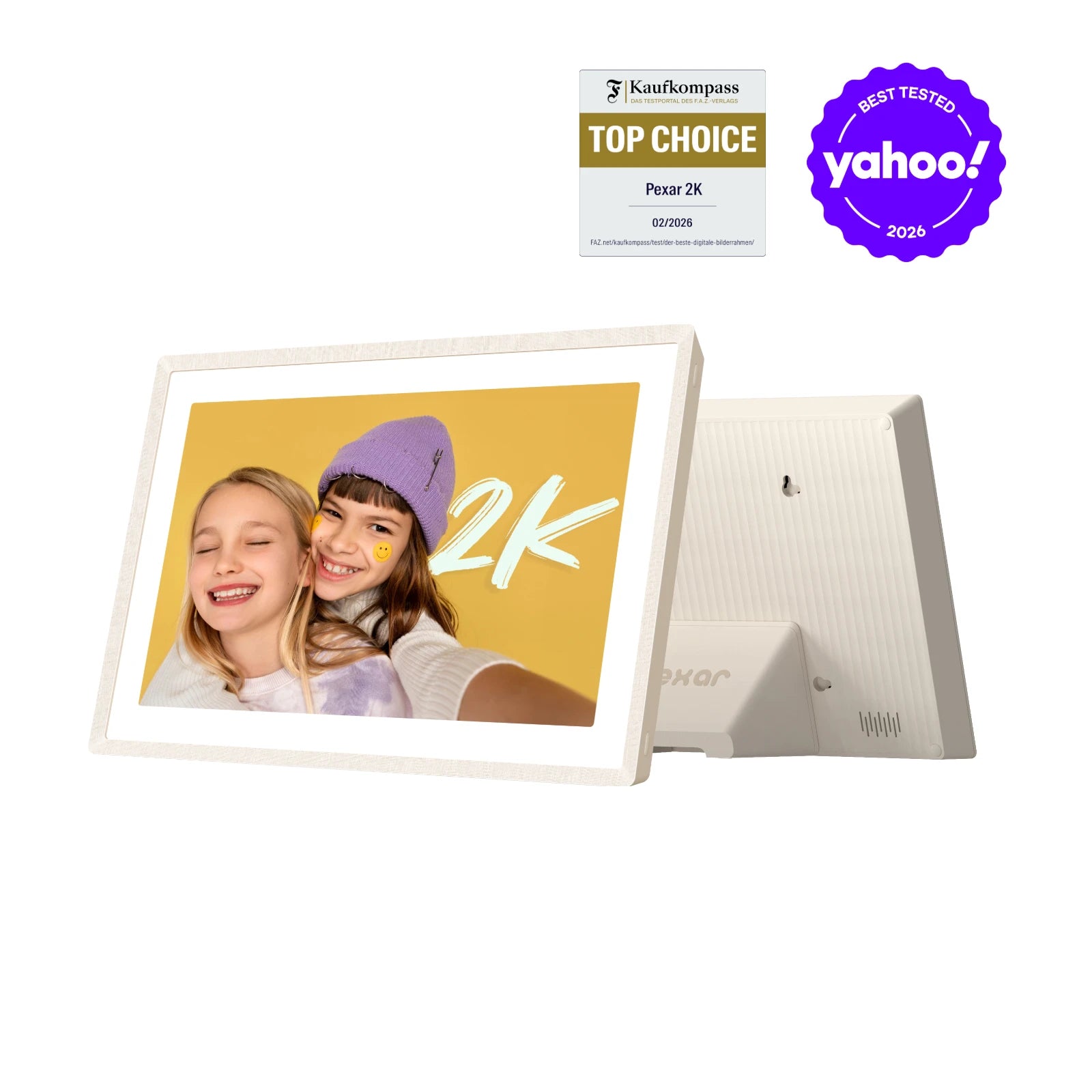
- Mejor marco de fotos digital de 2026 según Yahoo Tech
- Pantalla táctil 2K de 11" antirreflejos para una nitidez excepcional
- Compartir por Wi-Fi con la app gratuita Frameo: al instante desde el móvil
- Funciona sin Wi-Fi: tus fotos permanecen en el marco incluso sin conexión
- Rotación automática para orientación vertical y horizontal
- 32 GB de almacenamiento interno, ampliable con tarjeta SD o memoria USB
- Multilingüe, configuración sencilla para todas las edades
- Respaldado por Lexar: 30 años de experiencia en almacenamiento de recuerdos
Fuente: Yahoo Tech, «The Best Digital Picture Frames for 2026», Rick Broida.
 Envío rápido y gratuito
 Garantía de 30 días sin preocupaciones
 Atención al cliente de por vida
 Envío rápido y gratuito
 Garantía de 30 días sin preocupaciones
Recuerdos en 2K deslumbrante
Marco de fotos digital Pexar 2K 11"

El mejor marco de fotos digital 2K





Belleza 2K,
Nitidez extraordinaria
La calibración automática del color realza tus fotos y revive tus mejores recuerdos

Antirreflejo avanzado,
Perfecto desde cualquier ángulo
Detalles vivos desde cualquier ángulo, incluso en salas luminosas. Más nitidez, menos reflejos.



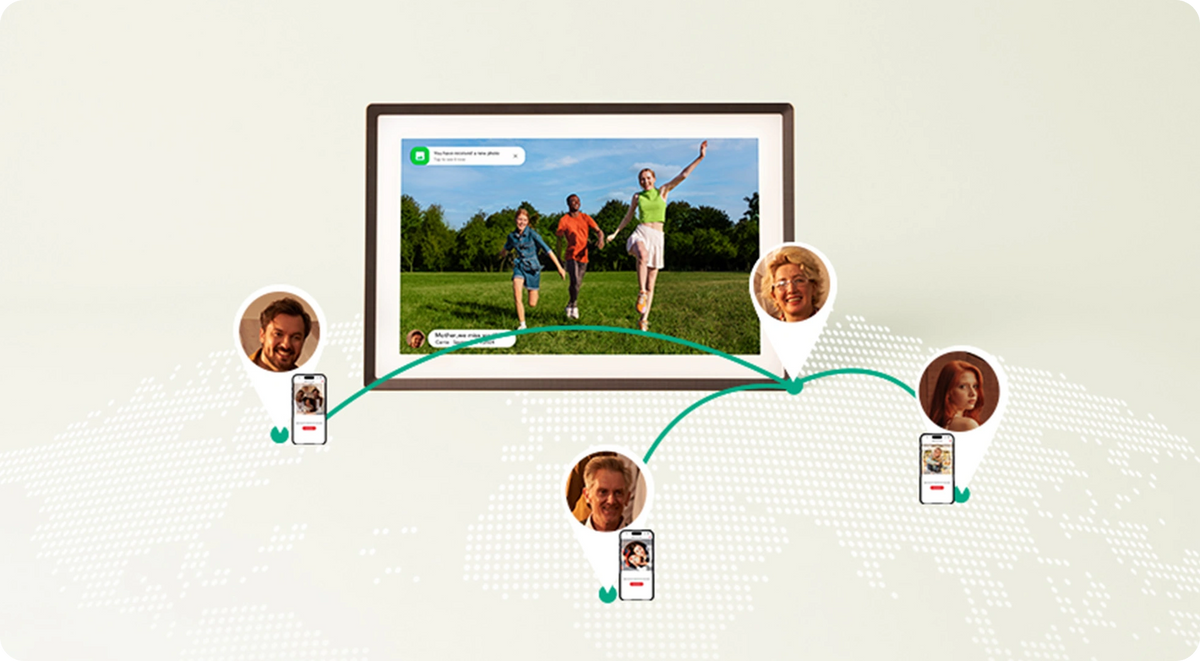

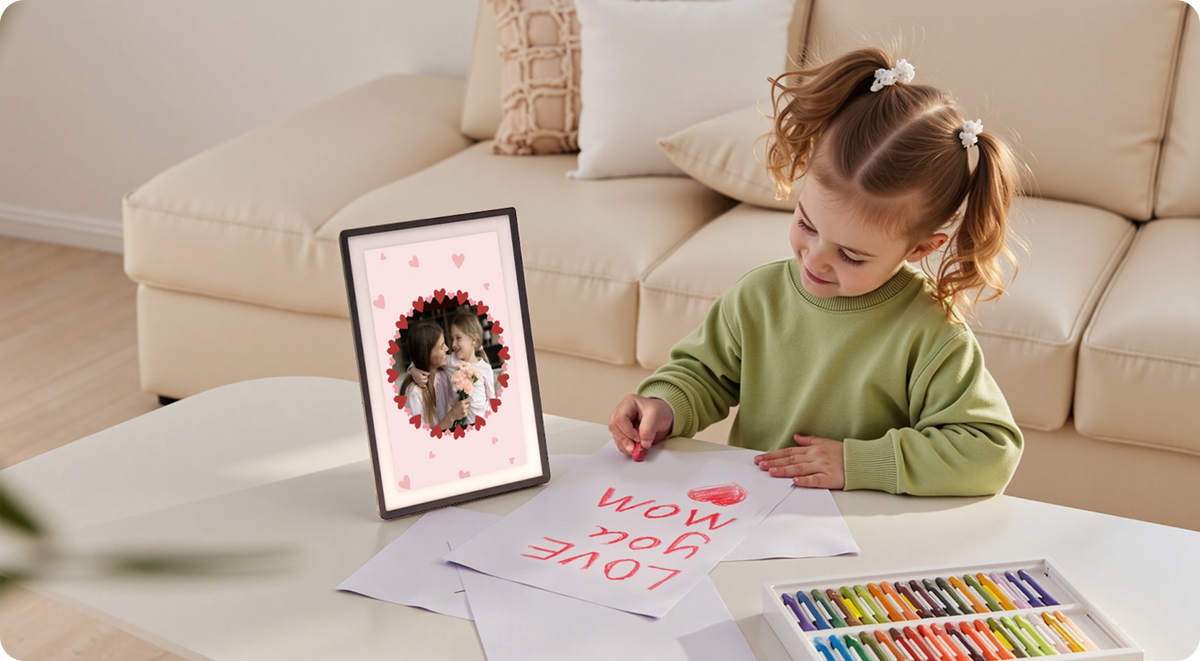
Almacenamiento local seguro
Guarda tus momentos preciados en casa y en el marco.

Almacenamiento local
32GB
40.000 fotos de 600 KB
Ampliar memoria*
Tarjeta SD
Pendrive
100 % de privacidad
*El almacenamiento ampliable requiere tarjeta SD o memoria USB, a la venta por separado.
Cuando una foto no basta, ¡haz un collage!
El calendario en tu marco de fotos
Cambia sin esfuerzo entre Modo Calendario y Marco Digital: tu familia se organiza de un vistazo.

- Función gratis con la app Frameo. Sincroniza tu calendario con iCloud, Google, Outlook, Yahoo y más.

Más funciones para disfrutar

Comparte la vida, regala Pexar
Un regalo que sigue dando alegría

Realza tu decoración
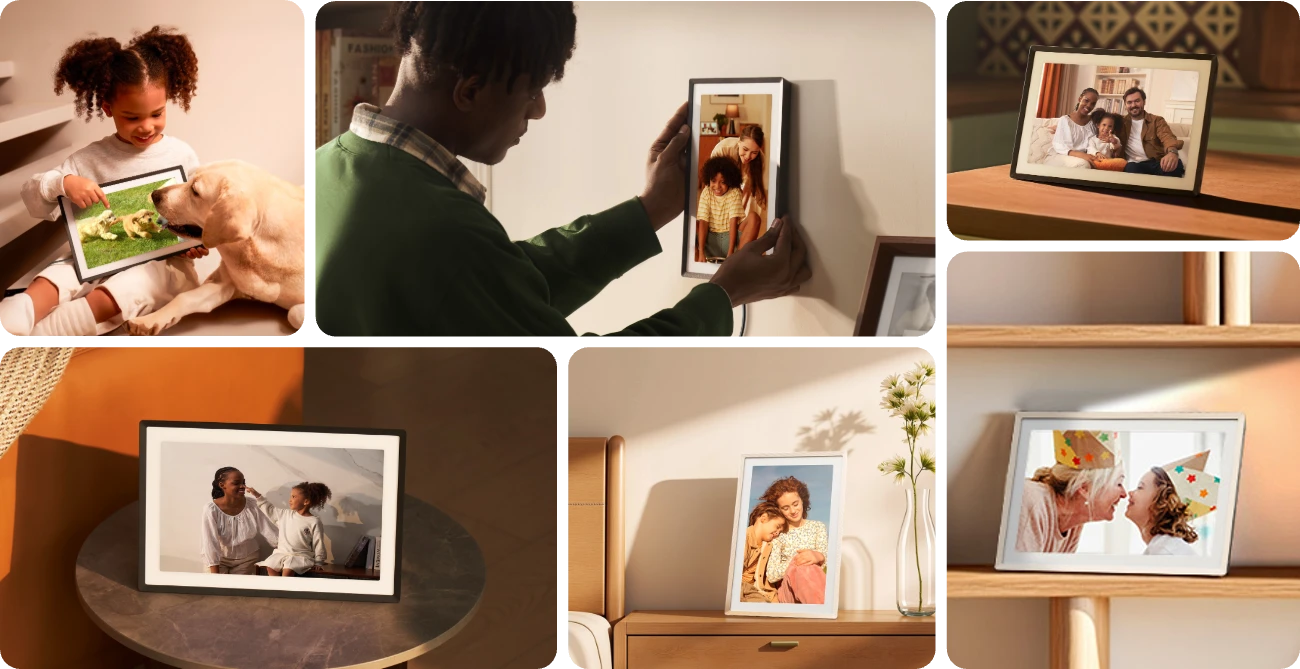
Estable. Fiable. Diseño clásico.

Contenido de la caja

Especificaciones
2000 × 1200 212 PPI (píxeles por pulgada) 2K
100 % sRGB (80 % NTSC)
400 cd/m²
Antirreflejo
5:3
Sí
Altavoz integrado
Frameo
Vertical u horizontal
MP4, 3GP
JPG/ JPEG/ PNG/ WEBP/ HEIC
Sí
Sí
2 GB
32 GB
Wi-Fi, SD, USB-A, USB Type-C
Compara y encuentra el tuyo


I could have purchased bigger and cheaper Digital Picture Frame but this frame has recommendations from many online sources. I like the non glare glass and the 2K resolution. My pictures look great. Set up was easy and the app for your phone was a big plus. Highly Recommended

First of all, this is not a paid review unlike many of them on here for some reason. However, this thing is incredible. Good value compared to everything else. The Frameo app isn't bad, if you subscribe it makes it easier to share large quantities of photos at a time. Without a subscription, you can still share all the photos you want to the device until it runs out of storage (internal storage is 32gb), however, you're limited to 10 photos at a time to upload which is a pain. I recommend just using external storage for all your own photos, and use the internal storage to share a Frameo code to friends and family so they can add their own photos whenever. You can export photos to external storage through the device, as well as backup everything which is nice. Wifi connectivity works fine, 2.4ghz only. Make sure if you're using an SD card or flash drive (highly recommend), that you format it to FAT32, otherwise it won't recognize the device to play photos/videos. It will recognize all the way up to 1 TB on the external storage if you format it to FAT32. The screen on it is very bright, all the way up to 400nits and the resolution of it at 11 inches makes for a very high density PPI, making the photos super clear. Very happy with it. Touch screen is responsive and works fine for a digital frame. Glad I went with it over the Aura Carver or Nixplay, and is a better value even which is crazy!Update 1/18/25:For videos, this will playback videos of all length from external or on internal storage, however, the video must be a maximum of 1920x1080 resolution. If you have videos above this resolution make sure to bring them down to 1080p using a program such as Handbrake on the computer. Hope this helps!

This is by far the best of any photo frame I have purchased or researched. My use case is simple: I want to be able to load a bunch of images on an SD card, plug that into a digital photo frame, and randomly show photos throughout the day. At my office there isn’t a public Wi-Fi available, so that instantly kills both Aura and Skylight – not to mention the price tags attached to those options.The 11in Pexar hits all of the boxes perfectly. The anti-glare finish is amazing – it does make the photos a tiny tiny bit fuzzier than the truly glossy finishes, but it’s not noticeable unless you’re looking for it, and the anti-glare solves incident sunlight or overhead lighting issues. I’ve had a couple of other Frameo options, and even the other “anti-glare” options are still very glossy (see image with this review, there are lights overhead of both frames). It takes a full-size SD card, and it has no issues reading from my 128GB. The SD card does have to be formatted to FAT32, which on Windows is a problem if you’re trying to format an SD card over 32GB, but there are free utilities like GUIFormat from Ridgecrop that solve that problem.Because this runs the Frameo software, it has all of the other features I wanted. It can play directly from the SD card without transferring, it has a timer so it turns off automatically at night when I’m not at work, it can shuffle the photo order, you can choose between zooming to fill or fitting to frame, and you can choose what bits of information (or none) you want overlayed on the photos.The screen is a plastic material, but it’s very well built and completely flat. There is no waviness in the screen that I’ve seen on other Frameo options. The power button is on the top which is nice; many others have it on the back where you can’t see it to press it.I like this enough that I’m tempted to just buy another; either to use at home or just to have a spare on hand in case this is ever discontinued.


Update: Customer support did get back to me. The trick is to disable notifications, and the nagging message goes away. I have raised the review to 4 stars.Original review:I purchased this to display photos of my recently deceased cat. The product itself is quite nice. The screen is a good resolution, the anti-glare finish is very nice, and photos look fantastic on it. One of the reasons I purchased this frame is that Lexar was very clear in their FAQ and marketing literature on Amazon and the Lexar site say that it will work just fine without WiFi. I don't want to have yet another security risk on my network, nor do I want yet another device which demands an ongoing subscription fee to use it. Unfortunately, every morning I am greeted with an annoying error message that "Your frame is currently offline." I don't want it online, ever, and I am disappointed that I have to dismiss this message regularly in order to just appreciate photos of my deceased cat. There is no way that I have found to turn this message off in the product, and Lexar customer support has not yet responded to my inquiry about this.

I'm glad I chose this one from the many I researched. Picture quality is great. It's very easy to share photos, and the ability to backup to other devices is just what I wanted.I also gave a few out as gifts and everyone told me how much nicer it was than ones they had in the past.
you can play from external drive but it can't read folders so you can't play the folder you want , it will just play what ever is on the drive , I did like a 3 minute video and it told me only up to 1920x1080 video so I rendered a 1920x1080 than it told me bit rate was to high so I rendered a video medium quality and it worked . if you transfer images to device from external drive you can create folders playlist and play them as you want , the stand is nice and can be rotated to play portrait or landscape but I want to hang it on the wall and do not like holes in it ,makes it very hard to hang ,I would rather have it so I can put wires across and hang it on 1 screw and rotate easy , you can have it so nothing is on screen but images no ...clock , temps , or time stamps , images do look good , my girlfriend passed away this Christmas and is nice having her photo's cycle through on the wall , wish it was 4k and bigger .
Cadre en panne au bout de 15 jours, par contre reactivité du fournisseur pour envoyer un nouveau cadre sans reclamation de l’ancien où se trouvaient les photos personnelles et réinitialisation de la garantie au cas où. Tres reactif et comprehensif.
Ja, es ist ein sehr hochpreisiger Rahmen, aber er ist es aus meiner Sicht absolut wert - folgende Gründe:- sehr schöne Größe (angenehme Größe, um Bilder schön zur Geltung kommen zu lassen, aber auch nicht zu groß, so dass der Rahmen dann Regal oder Kommode dominieren würde)- magnetischer Standfuss ermöglicht schnellen Wechsel zwischen Hoch- und Querformat- Bildqualität: einfach top - aus jedem Winkel wie ein "echtes" Foto anzusehen, kein Spiegeln oder ähnliches- Bedienbarkeit sehr intuitiv, wurde sogar vom Opa mit 75+ ohne Problem innerhalb weniger Minuten verstanden. Einstellungsmenü ist zwar detailliert, aber keinesfalls überladen und auch sehr intuitiv nutzbar- Bilder aufspielen: haben eine "Grundausstattung" über SD Karte aufgespielt, was sehr schnell vonstatten ging. Weitere Bilder dann über die Frameo-App in der kostenlosen Version. Die Limitierung auf 10 Bilder pro Upload ist aus unserer Sicht kein Problem: wer will schon die Großeltern mit zu vielen Bildern "zumüllen", es soll ja eher die schöne Überraschung zwischendurch sein, wenn man ein paar Bilder vom Ausflug oder Urlaub mit den Kindern teilt, und die Großeltern so daran teilhaben lässt (das war zumindest unser Gedanke)Oma & Opa jedenfalls fanden es ein tolles Geschenk - Volltreffer!
Good. Easy to set up and picture quality is good.
Excellent product overall! Great picture quality, and the Frameo app is super easy to use and customize your frame(s) settings. We got a couple of these as gifts for grandparents and they're LOVING it! The onboard storage is plenty for hundreds (maybe even a couple thousand) of photos, and you can expand it even more with a Micro SD card, as needed. The anti-glare screen is great. Can't recommend this enough. Wish we had gotten these sooner. We'll probably get a couple more for our home and offices too.
Where this frameo device seems to outshine all the others, is the hardware. Specifically, the display is awesome. Matte finish, vibrant and bright, fantastic viewing angles. They just need a larger display. There aren't too many 15"+ frameos, and the ones that are available have pretty meh displays. Whatever Pexar used here, seems to work really well.The software is mostly the same on all these frameo style frames. And, it works ok. There is sooo much potential, especially with remote management, that is currently missing. If you pay for the "plus" tier, you can at least manage the frame pictures w/ your phone. But still a huge pain to manage when you have many thousands of pics to manage for multiple frames, and you're stuck using the app. Simpler and faster to just connect via USB and create a regular folder on your computer to delete/sync, one frame at a time. Or, how about allow folks to sync to online sources like Google, etc. Or release an api/sdk that allows someone else to write a remote management tool?The platform has the framework in place to be so much better. Remote management for pictures, time/power controls, motion sensors. And little things, like changing the software to reflect the 'picture date' instead of the OS "modified" date. A few improvements, and they could easily compete w/ the larger photoframe companies.I look forward to future improvements.
The frame quality is more than fine. However, the firmware could use some improvement. Here are some things I have discovered in the first attempt at learning how to make it work for me. The good news is that there are work arounds once you understand what works well and what doesn’t.I have loaded just a few pictures from my iPhone using the free version of Frameo. I see no problem sticking with the free version. Certainly any friends and family can use the free version to send their pictures to your frame from time to time.I first loaded in 13 pictures and it took up over 5GB of the 32GB internal storage. What I now understand is that 5.66GB are taken up by the system files and not pictures. My fear of not having many pictures and going to external storage was freaking me out. By the way, loading from an external memory card/stick is efficient. Just don’t show your pictures from the card, but rather load them into internal memory so that you can adjust how they appear. The ability to adjust appearance works only on those pictures loaded into the internal 32GB of storage.Read the other reviews where users have offered their helpful hints and observations.One last hint, I knew that it didn’t read external memory formatted as NTFS. But I FORGOT!!! After missing a few heart beats, I formatted a new USB flash drive and transfered my pictures to it and all is well. Just remember if you are over 4GB individual file size (mostly videos), format exFAT which is, by the way, optimized for flash drives anyway. ExFAT works well with Mac. (OK to use FAT32 if you also needed to use it with something very old)Good luck and enjoy. Hopefully, Lexar reads reviews and will consider updating their firmware to allow full functionality to adjust pictures stored on external memory.I suggest going into settings and study every option. It will save you a bit of time setting the frame up exactly how you want it. It took me awhile to located how to change the caption date from the load date to the date taken.The instructional videos are hard to see and go way too fast. I was able to replay them slow enough by pushing the timeline manually. Hey, at 79, I’m a bit slower than most of you. You may have no problem at all with them.
You know how they say you get what you pay for. I previously bought a $40 frame but didn’t like the screen. This one is well worth it. The screen quality is great.You can only upload ten photos at once unless you subscribe. Which can be an inconvenience.The software that runs the photos through is meh. It can be a little more intuitive and feature full. Maybe one day it’ll have a music function. Categorizing photos can be challenging. The stand is a magnetic snap on. Pretty neat. Overall I recommend.
It's easy to set up and use, though they will continually ask you to sign up for their subscription service. The only benefit I can see to that subscription service is being able to upload more than 10 photos at a time. The app works okay with the "Send To" functionality. Picture quality is quite good and it notifies you of new pictures with a tone and an on-screen prompt.
THIS is the answer to "What am I going to do with all those photos and movies?" "Is my photo collection just a hoarding vanity project never to be seen?" THIS IS YOUR SOLUTION!PROs: Top quality 1080p (really "2K" or 1200p vertical pixel density - which is even better! IPS type display panel)TOUCHscreen (you can finger swipe back and forth at any time).Good color depth, color and grayscale fidelityGood viewing angles, anti-glare coating.Plays back still photos and/or MPEG (.MP4) movies (with audio on or muted if you want).No hiccups or flakiness.Shuffle or timeline play.Shows tile title date - IF you want it.Shows current time of day in upper right corner (12 or 24 hr) IF you want it.Shows current temperature and sunny/cloudy/rain symbols - IF you want that.You don't have to buy the upgraded Frameo app if you don't want to. It works just fine (and I'm pretty happy) with the standard app.It's not too big and not too small. Two or three people could stand next to each other and enjoy the picture from a few feet away, yet the frame doesn't "take over". You can find a spot for it.The frame "matte" built into the black frame outline does a decent job of mimicking a real photo frame matte.You can use BOTH the internal storage and any docked external storage (USB or SD card) at the same time.Picture quality is GREAT out of the box. No need to fuss but you can control cropping and brightness if you want to.CONS: Must be powered by AC wall adapter. The darn thing works so well, I want to use it like a tablet, makes me wish it had an internal battery that would function for an hour or two when frame unplugged. Oh well, it's still a heck of a unit.I loaded my files with a tiny Samsung USB drive. You have to use either FAT32 or XFAT file system (NTFS file system pen drives will not be recognized).~~~~~~~~~~~~~~~~~~~~~~~~~~~~~~~~~~~~~~~~~~~~~~~~~~~~~~~~~~~~~~BOTTOM LINE: HIGHLY RECOMMENDED! We are very pleased.UPDATE 10/05/2024 IF YOU ARE HAVING PROBLEMS GETTING YOUR MOVIES TRANSFERRED and "RECOGNIZED" by the PEXAR.Technical tip to owners of Sony and Panasonic digital cameras as far as movies are concerned, something that might help your movie files get "recognized" by this Pexar device:If you have any 1080p (i.e. High Definition pixel density) MOVIE files created by your camera that have an .MTS file format (file extension), YOU'LL WANT TO RENAME THAT FILE EXTENSION TO BE: .MP4 (stands for Motion Picture Expert Group 4) file extension. You'll want to do this before transfering the files if you are using external storage (like USB-pen flash drive, SD ("Secure Digtal") card, etc.Once you do what is mentioned above, the PEXAR can then recognize these renamed movie files and play them just fineFor the geeks or curious, MTS (aka MPEG Transport Stream) is a container wrapper of sorts for an MP4 file. Internet search will tell you how / why these variances of video formats came about. It doesn't matter, once you rename the file extension to .MP4, the movie will play just fine in the PEXAR frame. You want to "swim with the biggest school of fish" in the technical world of video (if you want the least hassle) and the .MP4 format is exactly that in the world of High Definition (HD) video.P.P.S. I also owned some ANCIENT home movies from a 12 year old Fuji digital camera taken in .AVI format (Audio Video Interleave). I had to do a file conversion of them to .MP4 format so the PEXAR could successfully play them. . I used a simple movie editing software (Windows Movie Maker - no longer made, but there are other conversion software utilities running around that can do the job). Once I did that, the movies shot in this old format play just fine in the Pexar frame.ABOUT VIDEO LENGTH: Some users have stated a 15 second video length limit. That has not been my personal experience. I successfully have this frame playing videos of 2 minutes long of my kitty cat wallering in the driveway. This is 24 fps (frames per second) .MP4 files. HOWEVER, you ** will ** get a warning that importing that large video will eat into your 32GB of internal memory. Such is life. NOTE: I am ** not ** relying on the paid subscription Frameo app. I just use a USB pen drive. Even with importing probably quantity: 6 X 2 or 3 minute length HD .MP4 videos, I still have somewhere around 8 or 10 GB of internal memory left at this point.P.P.S. WHAT FOLLOWS IS BORING, IT MAY HELP A FEW OF YOU WHO ARE NEW: Those of you with mega fancy cameras (full frame or APS-C Canon, Nikon, Sony, etc cams) that produce 20MB+ files: There is no need to fill up the internal memory in this frame with 20MB per photo file sizes, that is overkill and ridiculous. (My opinion). JPEG (or .JPG) is what you want as a file format type/medium for still photos with this frame. An 850KB to 1MB per picture JPEG file at 200 Pixels per inch ("pixel density") will do fine for 1080p viewing resolution and, if you want it a bit nicer (i.e. 1200dpi vertical , ...
This is what a high quality digital photo frame should be. It has a simple design, great matte display, high resolution and great color accuracy and viewing angles. I have tested the frame with some of my B&W photos, and they have a nice neutral color... not overly blue. I may still add some warmth to my B&W photos, but again that is a personal preference. Set up was simple without using wifi and I was able to easily add photos from a usb drive. I did connect to wifi to check the firmware, and an update was available and easily installed without any issues. The touch screen is very responsive, and the ability to remember each photos settings is a nice addition. The ability to set a schedule to turn off the display was easy to configure. The brightness out of the box was very high for my tastes, but was easily turned down to a much more appropriate level. I would have preferred a 4x3 ratio display over the frames 5x3 due to the cropping that needs to happen on most of my photos, but it is slightly better than the overly narrow 16x9 ratio of many other frames. I was actually going to pick up the larger 15.6 inch display, but that is 16x9 and lower resolution than this 11" model. I would love to see a larger, higher-res version of this frame in a 4x3 aspect ratio.
This frame is such a great buy. The picture quality is amazing. The settings are easy to understand and use. The app makes it easy to upload photos. We purchased this for our elderly mom and send pictures regularly. She really enjoys new photos popping up and can use the basic functions without assistance.Very well packaged and fast delivery. Would recommend 10/10!
So far so good, very happy that I finally found a picture frame that doesn't force the use of cloud storage. Easy to set up, good picture quality, and allows local storage. I just wish that the frame has motion detection so it's not on all the time, conserve energy and display life. I may just purchase another Pexar frame as back up just in case this one dies.My previous digital frame had motion detection which was nice but unfortunately I had to get rid of it due to Nixplays greed with the subscription business model.