

Digital Photo Frame for Mom: The Gift She'll Use Daily
The hard part of buying a digital photo frame for mom isn't the buying. It's making sure it doesn't end up in a drawer after a week. The frames moms actually keep out have three things in common: they're effortless for her, they look good enough to leave on the shelf, and they don't nag her with logins or monthly fees. Here's how to pick one — and the three we'd put at the top.
Top Picks at a Glance
- Best overall for mom — Pexar VivKeep Pro 11" ($189.99): a sharp 2K screen, no subscription ever, and photos that stay private on the frame instead of a cloud.
- Best free cloud storage — Aura Carver (~$179): a polished 10" HD frame with unlimited cloud sharing, a longtime editorial favorite.
- Best for a big family — Nixplay Smart Frame (~$189): AI face-centering and playlists that let many relatives send at once.
The rest of this guide is why those shake out that way — and how to match one to your mom.
What Makes a Frame a Gift Mom Actually Uses
Four things matter more than the spec sheet.
She sets up nothing. This is the whole game. You connect the frame to Wi-Fi, pair the app, and preload 20-30 family photos and a couple of short videos before you wrap it. When mom powers it on, her grandkids are already smiling back — nothing for her to configure, no manual to read. She never manages an account; she just receives what you send.
It's easy on her eyes. A frame lives in a bright living room or kitchen, often watched by eyes that aren't 25 anymore. The Pexar VivKeep Pro's 2K display (2000x1200, 212 PPI, 100% sRGB) keeps photos sharp and true, and the anti-glare surface stops the mirror-like reflection that makes many glossy frames hard to look at near a window. Sharper, calmer, comfortable all day.
No subscription, and the photos stay hers. Much of the category runs on the cloud, and some brands charge a monthly fee once you want more. The VivKeep Pro 11 inch is powered by Pexar's own app with no subscription and no hidden costs, and your photos live on the frame itself — 32GB of secure local storage, not a public server. Only people you invite can send, and you can revoke access anytime. Aura's free unlimited cloud is genuinely convenient for families who share constantly; the trade is where the photos live. If you'd rather mom's memories stay on her shelf and under your control, that's the local-storage side.
It works even when Wi-Fi doesn't. A common worry: "what if mom's Wi-Fi is spotty?" Wi-Fi is only needed to send new photos. Once they arrive, the frame plays them with no internet at all — fine for a cabin, a vacation home, or a room with weak signal. You can also load images straight from an SD card or USB drive.
Pexar VivKeep Pro vs the Usual Picks
Here's the full comparison behind the picks up top:
| Pexar VivKeep Pro 11" | Aura Carver | Nixplay Smart Frame | |
|---|---|---|---|
| Display | 2K (2000x1200), 11", anti-glare | 10" HD | 10.1"–15.5", HD |
| Subscription | None (Pexar App) | None (free cloud) | Free tier; paid plans for more |
| Where photos live | On the frame (32GB local) + SD/USB | Cloud | On frame + Nixplay cloud |
| Works offline | Yes — plays without Wi-Fi | Needs Wi-Fi | Needs Wi-Fi |
| Price | $189.99 | ~$179 | ~$189 |
Give each its due: Aura Carver is the polished, editorial-favorite pick and its free cloud is great for far-flung families; Nixplay's AI face-centering and playlists suit a big family all sending at once. The VivKeep Pro's edge for mom is the combination — 2K clarity, no subscription, photos that stay private on the frame, and playback that doesn't depend on her Wi-Fi.
Still Comparing?
The VivKeep Pro 11" is the one most people gift for mom — the size sits naturally on a desk, bedside table, or hallway shelf. If you'd like to weigh Pexar's full range side by side, our complete Pexar frame buyer's guide walks through every model, and the gifting page has more ideas by recipient.
Making It a Gift, Not a Setup
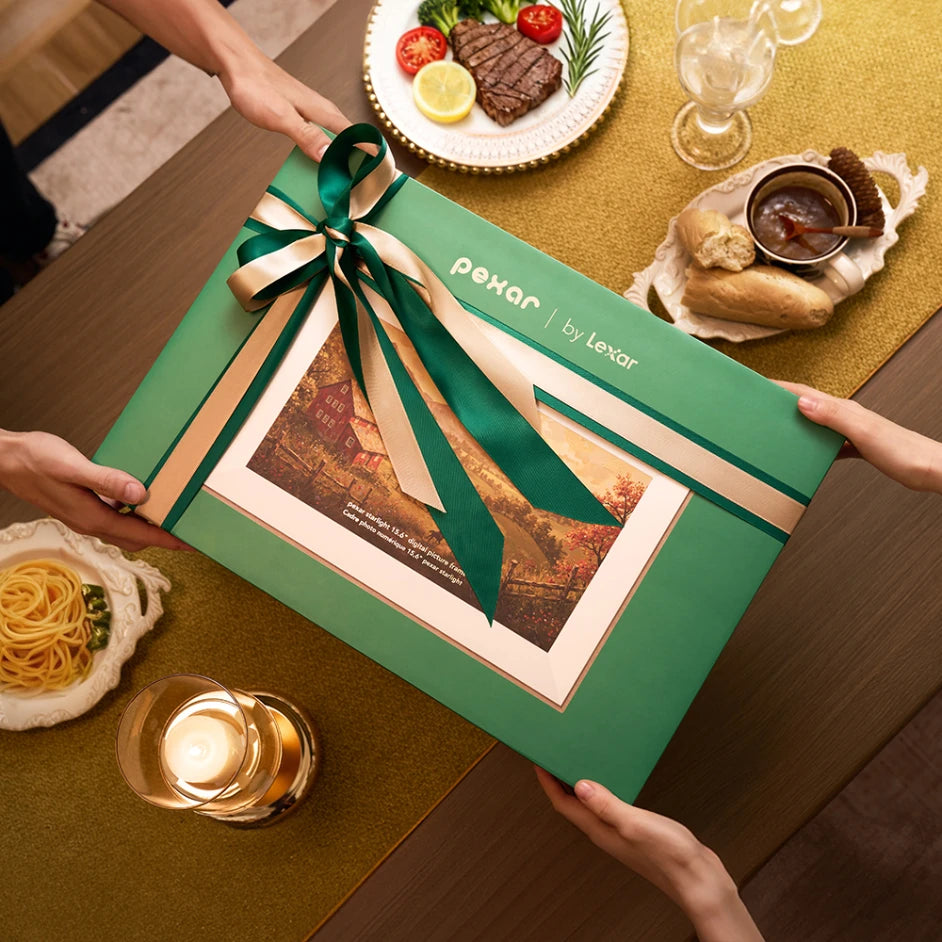
The difference between a frame she loves and a frame she forgets is the unboxing. Set it up yourself first, load it with her favorite family photos and a short video or two, then hand it over already glowing with faces she knows. It works for Mother's Day, her birthday, or no occasion at all — a frame that updates itself is a gift that keeps giving long after the wrapping is gone.
Takeaway
The best digital photo frame for mom isn't the one with the longest spec sheet — it's the one she'll keep on the shelf and glance at every day. Pick the one that's effortless for her, easy on her eyes, and yours to keep private.
FAQs
Is a digital photo frame a good gift for mom?
Yes — especially if your mom isn't glued to her phone. A digital photo frame brings family photos to her without asking her to open apps or scroll feeds. You send a photo from your phone; it appears on her frame within seconds.
Does my mom have to set up the frame herself?
No. You do the setup — connect it to Wi-Fi, pair the app, and preload photos before you gift it. Mom never has to create or manage an account; she just turns it on and enjoys what appears.
Does the frame need Wi-Fi to work?
Wi-Fi is only needed to send new photos. Once they arrive, the Pexar VivKeep Pro plays them with no internet at all — good for cabins, vacation homes, or weak-signal rooms. You can also load images by SD card or USB drive.
Does a digital photo frame for mom need a subscription?
Not with the Pexar VivKeep Pro 11". It runs on Pexar's own app with no subscription and no hidden costs, and photos are stored on the frame rather than a paid cloud. Some other brands charge monthly for extra features, so check before you buy.
Are the photos private and secure?
Yes. On the Pexar VivKeep Pro 11", photos live directly on the frame, not on a public server. Only people you invite can send images, and you can revoke anyone's access in seconds — mom's private moments stay private.
Gifting for someone else? See our guides to a digital photo frame for dad, new parents, and grandparents.